top of page


Feature Spotlights
In-depth looks at Chromperfect’s features, both new and long-standing. Each post explains what the feature does, why it’s useful, and how to use it effectively, with clear step-by-step instructions.

Change Chromatogram Plot Order in Tiled and Overlaid Views
Learn how to adjust the display order of chromatograms in Chromperfect when working with tiled and overlaid views, using simple menu options to arrange plots as needed.

Chromperfect
Sep 23, 20251 min read

Chromatogram Analysis: Exploring Plot Menu Options
Discover the plot menu options in Chromperfect’s Analysis Program, including chromatogram and peak properties, calibration plots, baseline noise measurement, and export tools.
Chromperfect
Sep 23, 20251 min read
How to Print Chromatography Plots and Reports in Chromperfect
Discover how to print chromatography plots and reports in Chromperfect. This step-by-step tutorial covers printer setup, plot dimensions, overlays, and black-and-white options, ensuring you always produce clear, professional hard copies of your chromatography data.
Chromperfect
Sep 1, 20251 min read


Chromperfect Peak Integration (Auto & Manual)
Chromperfect chromatography software peak integration manual and automatic
Chromperfect
Aug 30, 20251 min read


Training & Implementation Services with Chromperfect
Chromperfect offers tailored training and implementation services to help laboratories bridge the skills gap. From interactive online courses to on-site training and full system setup, our experts ensure your team gets the most from Chromperfect.
Chromperfect
Aug 27, 20251 min read

Understanding Chromperfect Reports: Method Files, Calibrations, and Format Templates
New Chromperfect users are often puzzled by how final reports are generated and how to make adjustments. This video introduces the data flow within Chromperfect, the role of method files, calibration, and custom format templates, and how each contributes to accurate and flexible reporting.
Chromperfect
Aug 26, 20251 min read


Updating and Editing Calibration Files in Chromperfect
Learn how to update, adjust, and create calibration files in Chromperfect’s Analysis program. This step-by-step guide covers adding, editing, deleting, and nudging components to keep your chromatography data accurate and up to date.
Chromperfect
Aug 21, 20253 min read

How to Select Peaks in Chromperfect
Learn how to select, deselect, and manage peaks in Chromperfect using manual tools, timed events, and custom reporting.
Chromperfect
Aug 20, 20252 min read


Automating Workflows with Sequence Files in Chromperfect
Sequence files are a core feature of Chromperfect, allowing laboratories to automate sample analysis, update calibration files, and improve workflow efficiency. This article explains how they work and why they are essential for consistent, reliable results.
Chromperfect
Aug 19, 20252 min read
Interpret Cannabinoids Chromatography Software
Chromperfect Interpret Cannabinoids software interface for cannabis testing laboratories, showing streamlined data acquisition and analysis workflow
Chromperfect
Aug 15, 20251 min read


How to Show the Operator Field in Chromperfect
Enable the operator field in Chromperfect to improve traceability and compliance. Step-by-step instructions for Version 6 and newer.
Chromperfect
Aug 15, 20251 min read
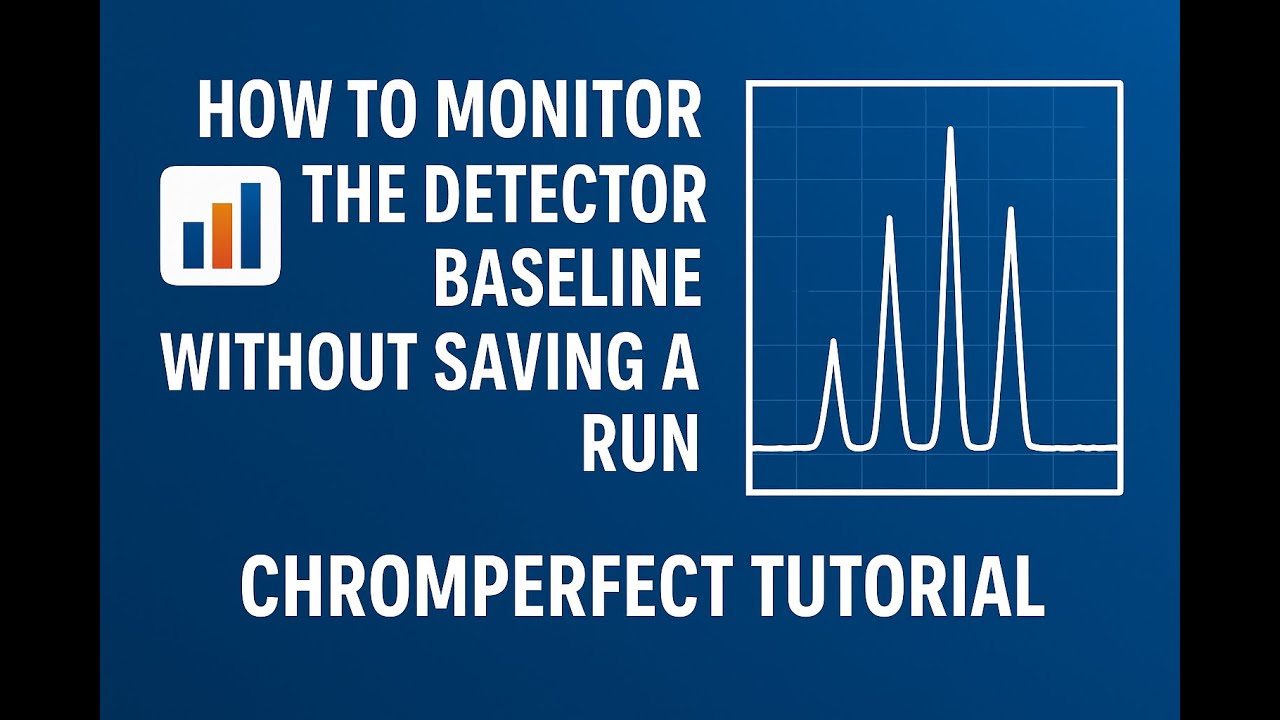
How to Monitor Your Detector Baseline Without Saving a Run
Monitor your GC detector baseline in Chromperfect without saving data files. This tutorial shows you how to view live signals, abort runs, extend runtimes, and adjust zero — helping you check stability without cluttering your storage.
Chromperfect
Aug 15, 20251 min read
Chromperfect File Compatibility Explained – Can I Use My Old Files?
Chromperfect has unbroken file compatibility from MS‑DOS to Windows 11. Version 10 opens historic RAW/BOUND data and loads methods, calibrations, sequences, and report formats without conversion. Note the one‑way caveat: V10 files typically won’t open in older releases, so standardize on V10 and follow our four‑step upgrade plan.
Chromperfect
Aug 15, 20251 min read
bottom of page