top of page


Feature Spotlights
In-depth looks at Chromperfect’s features, both new and long-standing. Each post explains what the feature does, why it’s useful, and how to use it effectively, with clear step-by-step instructions.


Chromperfect Supported Instruments: Digital Connections, Analog Options, and What to Do When Your Instrument Is Not Listed
Chromperfect supports a range of chromatography instruments through native digital drivers and ICF/RC.NET. Instruments without a supported digital connection may still be usable through analog acquisition with a Tigre interface, provided suitable detector output, signal voltage and remote-start connections are available.

Chromperfect
Aug 75 min read
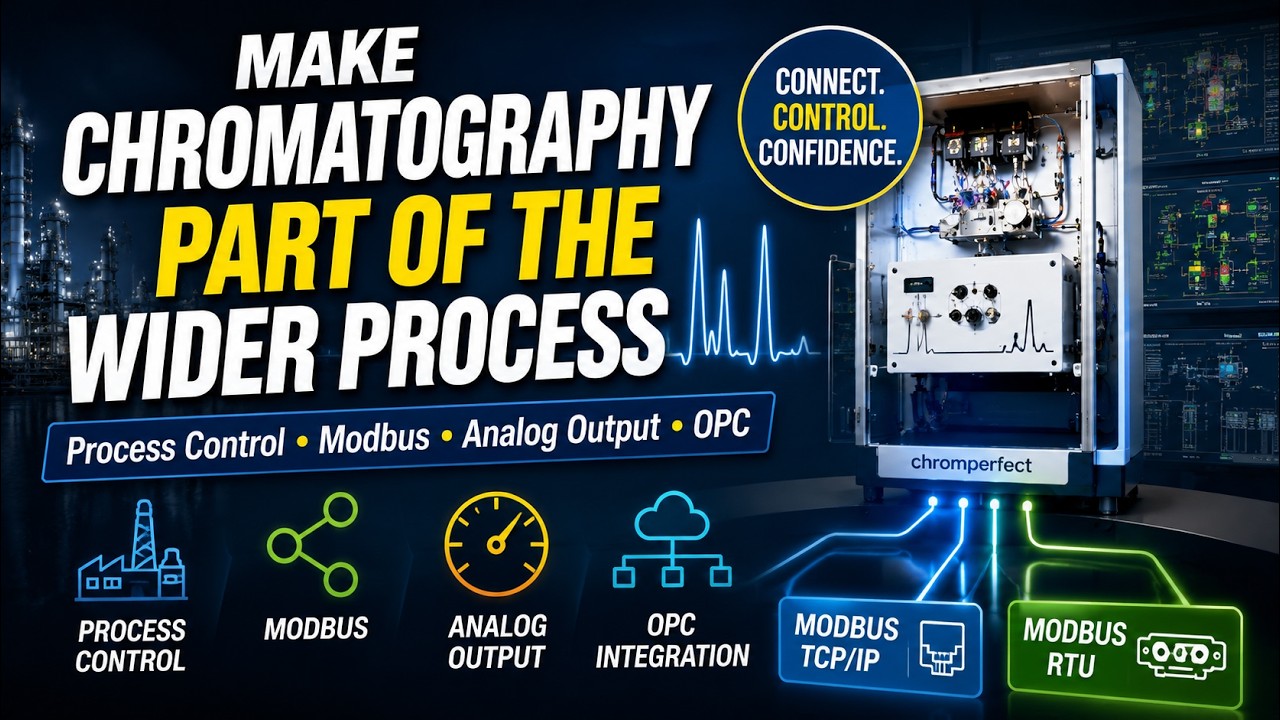
Process Chromatography Software for Modbus, Analog Output, OPC and Automated Stream Control
Discover how Chromperfect connects chromatography with industrial process systems using automated stream control, Modbus data exchange, analog and digital outputs, and OPC integration.
Chromperfect
Jul 138 min read


Using Chromperfect Unite to Review Chromperfect, ChemStation, OpenLAB, and Third-Party Chromatography Data
Chromperfect Unite helps laboratories review and process supported Chromperfect, ChemStation, OpenLAB, AIA/NetCDF, and third-party chromatography data files within a Chromperfect workflow.
Chromperfect
Jul 211 min read
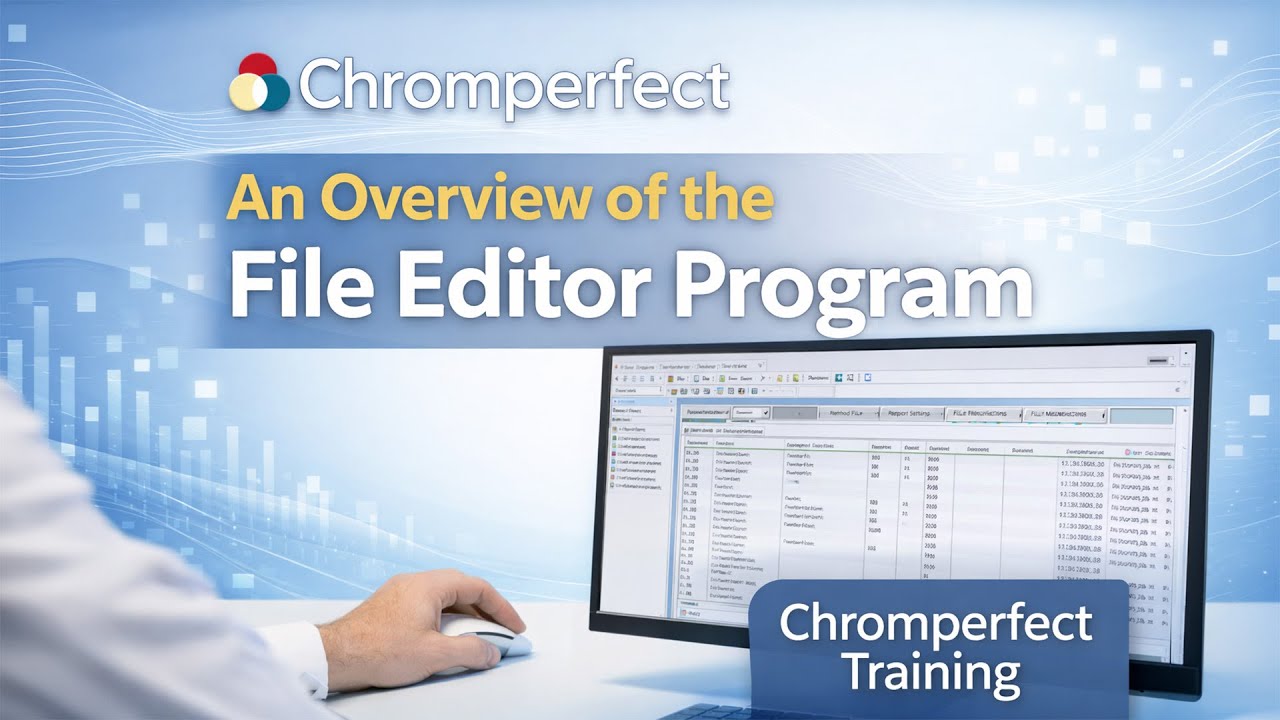
An Overview of the Chromperfect File Editor Program
This article provides an overview of the File Editor Program in Chromperfect, a core utility used to create, edit, and manage the files that define how analyses are performed. Aimed at new users, it explains the purpose, layout, and key functions of the File Editor and how it fits into everyday Chromperfect workflows.
Chromperfect
Jan 306 min read


Chromperfect Windows Compatibility: Version History and Alignment
Chromperfect Windows compatibility timeline illustrating the evolution from MS-DOS to Windows 11 and long-term data integrity.
Chromperfect
Jan 273 min read

Understanding Chromperfect Products and Licensing
A clear overview of Chromperfect products and licensing, explaining software licenses, instrument connections, digital and analog systems, data analysis options, and supported versions.
Chromperfect
Dec 29, 20253 min read


A Closer Look at Chromperfect 10 and the Benefits It Brings to Your Laboratory
Chromperfect 10 introduces secure data locking, expanded instrument compatibility, HTA autosampler support, and full Windows 11 optimisation — making it a strong choice for both new CDS adopters and existing Chromperfect users.
Chromperfect
Dec 11, 20253 min read

Why an Independent Chromatography Data System Matters: Unbroken File Compatibility Since 1982
Excerpt from the Chromperfect video showing a file icon with an infinity symbol, representing unbroken chromatography data compatibility from MS-DOS to Windows 11.
Chromperfect
Dec 10, 20254 min read


Revolutionizing Chromatography: Chromperfect Software Insights
Chromperfect has evolved over decades to become a trusted chromatography data system used in laboratories worldwide. By combining simplicity, robustness, and strong regulatory features, it streamlines data acquisition, processing, and reporting for both GC and HPLC workflows. This post explores how Chromperfect’s long-standing design principles continue to enhance laboratory efficiency and reliability.
Chromperfect
Nov 6, 20253 min read

Chromperfect Barcode Reporting: Reduce Data Entry and Eliminate Human Error
Chromperfect Version 8.2 introduces barcode reporting — making data entry faster, more accurate, and free from human error. Learn how to embed barcodes into reports and streamline your chromatography workflows.
Chromperfect
Sep 25, 20252 min read

Chromatography Data Smoothing – Savitzky–Golay Algorithms for GC and HPLC
See how Savitzky–Golay smoothing in Chromperfect v8.2.4 reduces high-frequency noise while preserving peak shape—plus derivative tools and practical tips from a long-time user.
Chromperfect
Sep 24, 20251 min read

The Main Menu in Chromperfect – Launching and Configuring Programs
The Chromperfect Main Menu serves as the central hub for launching programs, configuring access, and managing security. Learn how to use both the modern taskbar and the classic legacy menu.
Chromperfect
Sep 24, 20252 min read


The Station Manager – Settings for the Local Workstation and Auditing in Chromperfect
Learn how to configure the Station Manager in Chromperfect, including logging, auditing, and instrument restrictions for local workstations.
Chromperfect
Sep 24, 20252 min read


Chromperfect Profile Editor – Setting User Search Directories
Learn how to configure search directories, preferences, and printer settings with the Chromperfect Profile Editor. This guide ensures efficient chromatography workflows across multi-user and single-user environments.
Chromperfect
Sep 24, 20253 min read

History Program Chromperfect Data Logging — Generate and Manage Logs
Learn how to use the History Program in Chromperfect to view, filter, print, and archive data, error, alarm, and admin logs. Configure user/date filters, audit file activity, and generate targeted reports quickly.
Chromperfect
Sep 24, 20253 min read

Automating Chromatography Data Acquisition with Chromperfect for HPLC and GC
Learn how to configure Chromperfect to automate chromatography data acquisition for HPLC and GC. Discover how to use automatic repeat, restart, and release features to streamline your workflow and reduce manual intervention.
Chromperfect
Sep 24, 20252 min read

The CIMS Program – Chromatography Information Management System (CIMS Chromperfect)
Learn how to use CIMS Chromperfect to search chromatography files by powerful criteria, review results, build sequence files, and perform controlled file operations—an analyst-friendly bridge before data moves to LIMS.
Chromperfect
Sep 23, 20253 min read

Chromatography Analysis – Working with Files
Learn how to work with files in Chromperfect’s Analysis program, including opening raw and bound files, saving methods and calibrations, creating bound files, and exporting chromatogram graphics for reporting and comparison.
Chromperfect
Sep 23, 20252 min read

Chromatography Analysis: Working with Plots in Chromperfect
Learn how to work with plots in Chromperfect’s Analysis Program. Discover how to adjust plot scales, move chromatograms, and customize labels, colors, and fonts for clearer data visualization.
Chromperfect
Sep 23, 20252 min read

Add Notes to a Chromatography Plot in Chromperfect
Learn how to add, edit, and delete annotations on chromatograms in Chromperfect. Step-by-step guidance for customizing notes, fonts, and styles in both Run and Analysis programs.
Chromperfect
Sep 23, 20252 min read
bottom of page