top of page


2.3 How to Master Chromperfect Method Files: Understanding Control Boundaries
Learn what a Method file really controls in Chromperfect, including acquisition parameters, data processing, and reporting, and which settings affect whether a sample must be rerun.

Chromperfect
Apr 154 min read
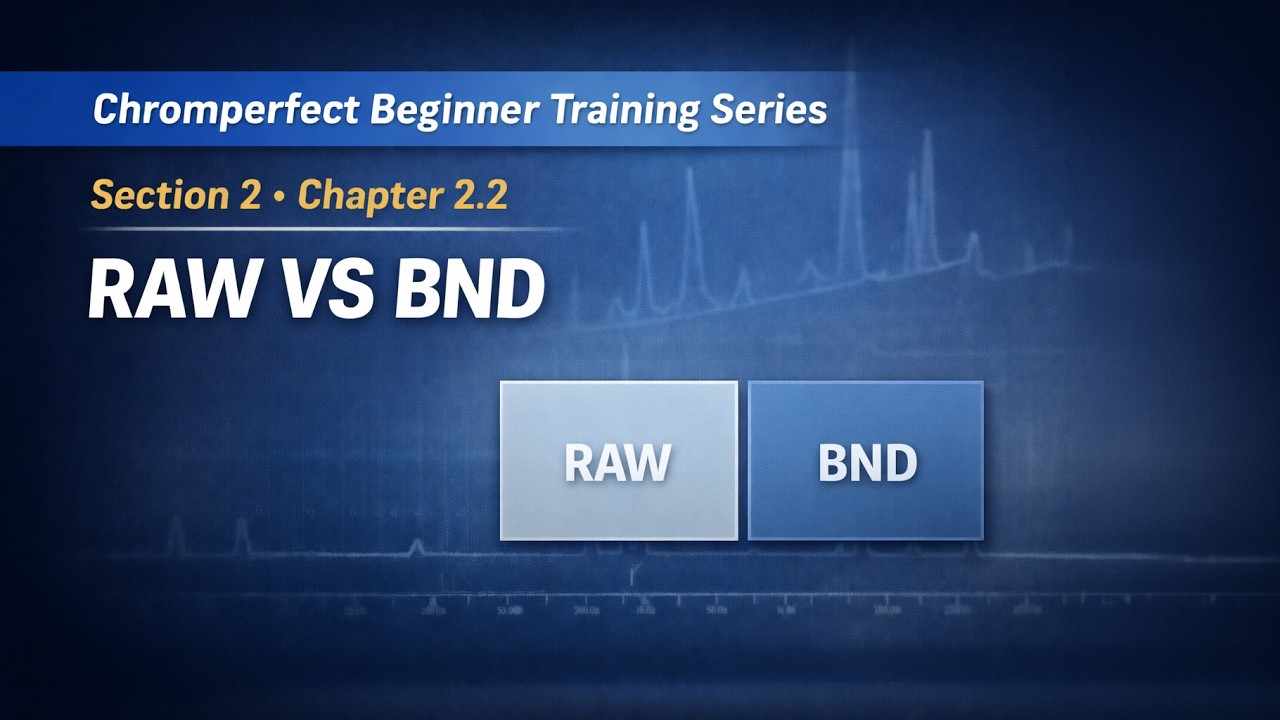
2.2 Chromperfect raw vs bound data files: A Chromperfect Guide
Understand the difference between Raw data files and Bound data files in Chromperfect, and why Bound files are used for consistent chromatography data processing and reporting.
Chromperfect
Apr 144 min read

5.3 How to Automate Chromatography Workflows: A Guide to Chromperfect User Programs
Learn how user programs and automation work in Chromperfect to extend system functionality and automate data handling and external processes.
Chromperfect
Apr 133 min read

2.1 Understanding Chromperfect File Types: A Comprehensive Guide for Beginners
Learn the core Chromperfect file types including Method files, Data files, Bound files, Calibration files, and Sequence files, and how they work together in chromatography workflows.
Chromperfect
Apr 134 min read

1.3 Validating Your System: A Guide to the Chromperfect Controlled Verification Run
Learn how to perform a controlled validation run in Chromperfect to verify instrument communication, confirm acquisition workflow, and ensure correct data file generation.
Chromperfect
Apr 104 min read
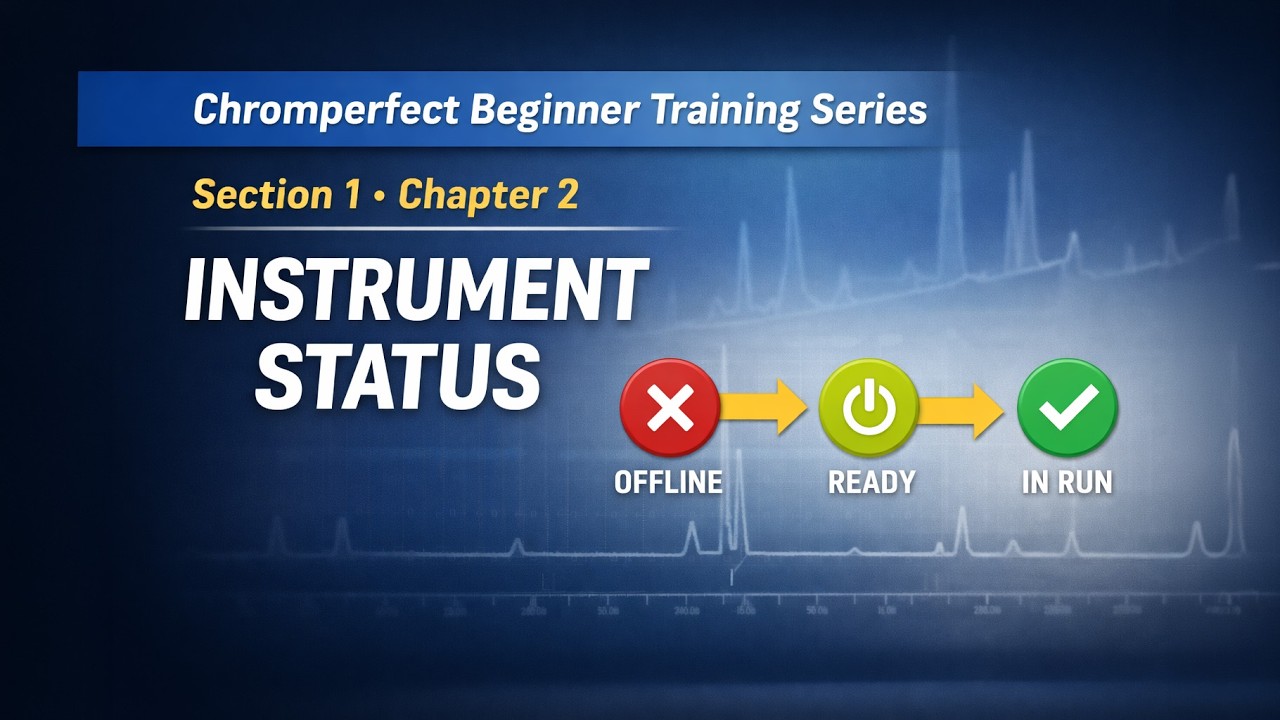
1.2 How to Interpret Chromperfect Instrument Status: A Beginner’s Guide
Understand Chromperfect instrument status states and how to interpret messages like Offline, Ready, and In Run to monitor acquisition readiness and system behaviour.
Chromperfect
Apr 94 min read

1.1 Understanding Chromperfect Architecture: The Service vs. The Client
An introduction to the Chromperfect Beginner Training Series, explaining system architecture, the separation between service and client, and how this design supports stable and reliable chromatography data acquisition.
Chromperfect
Apr 83 min read
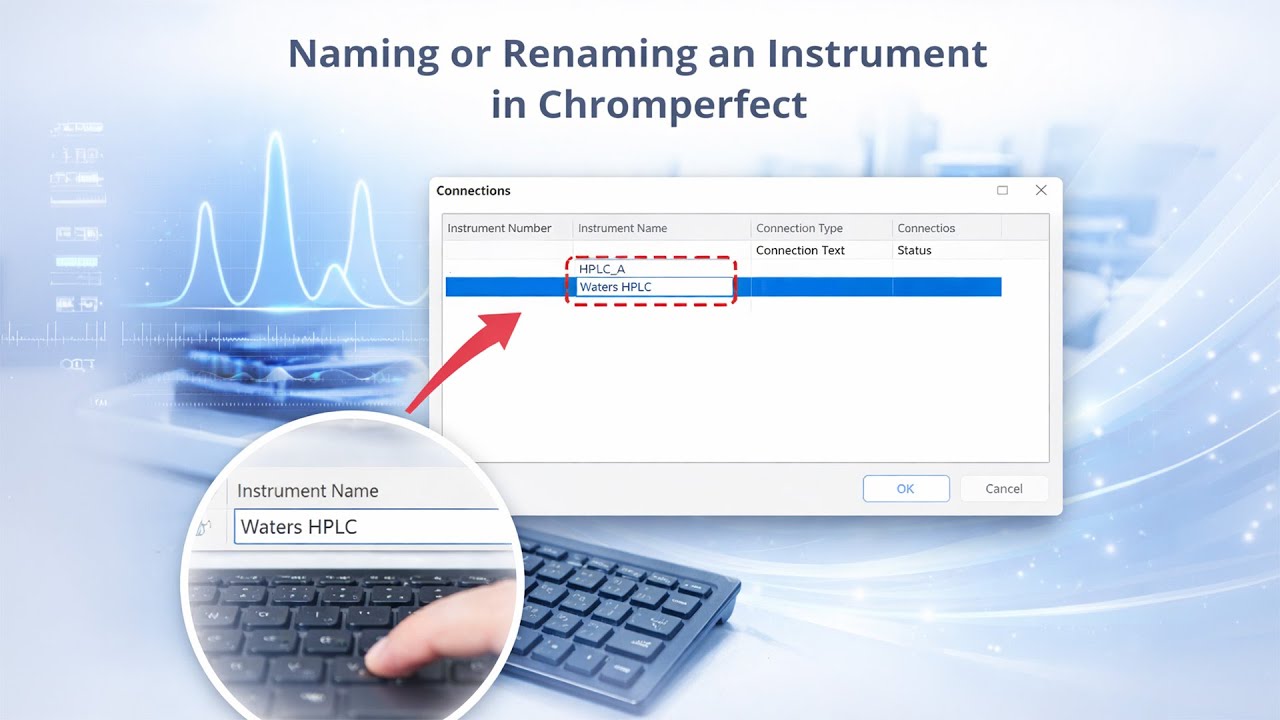
How to Name or Rename an Instrument in Chromperfect
A quick guide showing how to name or rename an instrument in Chromperfect, explaining what the instrument name represents and where it is used within the data acquisition system.
Chromperfect
Feb 22 min read

Automating Chromatography Data Acquisition with Chromperfect for HPLC and GC
Learn how to configure Chromperfect to automate chromatography data acquisition for HPLC and GC. Discover how to use automatic repeat, restart, and release features to streamline your workflow and reduce manual intervention.
Chromperfect
Sep 24, 20252 min read

Installing ICF instruments Chromperfect – Agilent 8890, Intuvo, Shimadzu 2030, Scion 8500/8300
Learn how to install and configure Chromperfect for ICF instruments, including Agilent 8890, Intuvo, Shimadzu 2030, and Scion 8500/8300. This guide covers ICF installation, RC.net drivers, configuration, validation, and editing setpoint and sequence files.
Chromperfect
Sep 24, 20253 min read

The CIMS Program – Chromatography Information Management System (CIMS Chromperfect)
Learn how to use CIMS Chromperfect to search chromatography files by powerful criteria, review results, build sequence files, and perform controlled file operations—an analyst-friendly bridge before data moves to LIMS.
Chromperfect
Sep 23, 20253 min read

Chromatography Analysis – Working with Files
Learn how to work with files in Chromperfect’s Analysis program, including opening raw and bound files, saving methods and calibrations, creating bound files, and exporting chromatogram graphics for reporting and comparison.
Chromperfect
Sep 23, 20252 min read


Understanding the “Awaiting Download” Message in Chromperfect
The “Awaiting Download” message in Chromperfect is not an error. It simply means the instrument is waiting for the user to provide essential information like a method file and filename. This video explains why the message appears, how to resolve it, and how Chromperfect remembers the settings for future runs.
Chromperfect
Aug 25, 20251 min read


Updating and Editing Calibration Files in Chromperfect
Learn how to update, adjust, and create calibration files in Chromperfect’s Analysis program. This step-by-step guide covers adding, editing, deleting, and nudging components to keep your chromatography data accurate and up to date.
Chromperfect
Aug 21, 20253 min read
bottom of page